
How to Search Contra Costa County Court Records
The Superior Court runs the Contra Costa County court records search through the new Court Public Portal at kiosk-cacontracosta.tylertech.cloud/Portal/. The court moved the portal to that Tyler-hosted site on Monday, April 27, 2026. Smart Search is the main entry point. It accepts a case number, a party name, a business name, or an attorney name. Civil, limited civil, small claims, probate, and many criminal index entries can be pulled through this portal. Traffic cases are run through a separate Traffic Public Portal. Older paper, microfilm, and microfiche files are still being scanned, so some older Contra Costa County court records may not yet show in the kiosk site.
Have basic case facts on hand before the search. A full case number is faster than a name search. Contra Costa case numbers can include a courthouse prefix, such as MS for Martinez. If a case does not appear under one location, try a name search or another court site. Common names return many hits, so a date range, case type, or middle initial helps narrow the result list. The portal terms also remind users that portal content is not the official record. Certified copies come from Court Records.
- Open the Superior Court homepage or the online case information page, then click through to the Court Public Portal.
- Accept the posted portal terms. The terms state that the portal is not the official court record.
- Pick Smart Search for general lookups, or use the hearings/calendar tools for upcoming court dates.
- Enter a case number, party name, business name, or attorney name. Narrow by case type, date, or location when those filters appear.
- Open a result to view the case summary, parties, hearings, register of actions, and any available documents.
- Download unlimited or limited civil documents and minutes for free where the link is shown. Request restricted files from Court Records.
The Superior Court's civil online case information page walks users through how the portal handles civil and small claims files. The lead-in below shows the official screen.
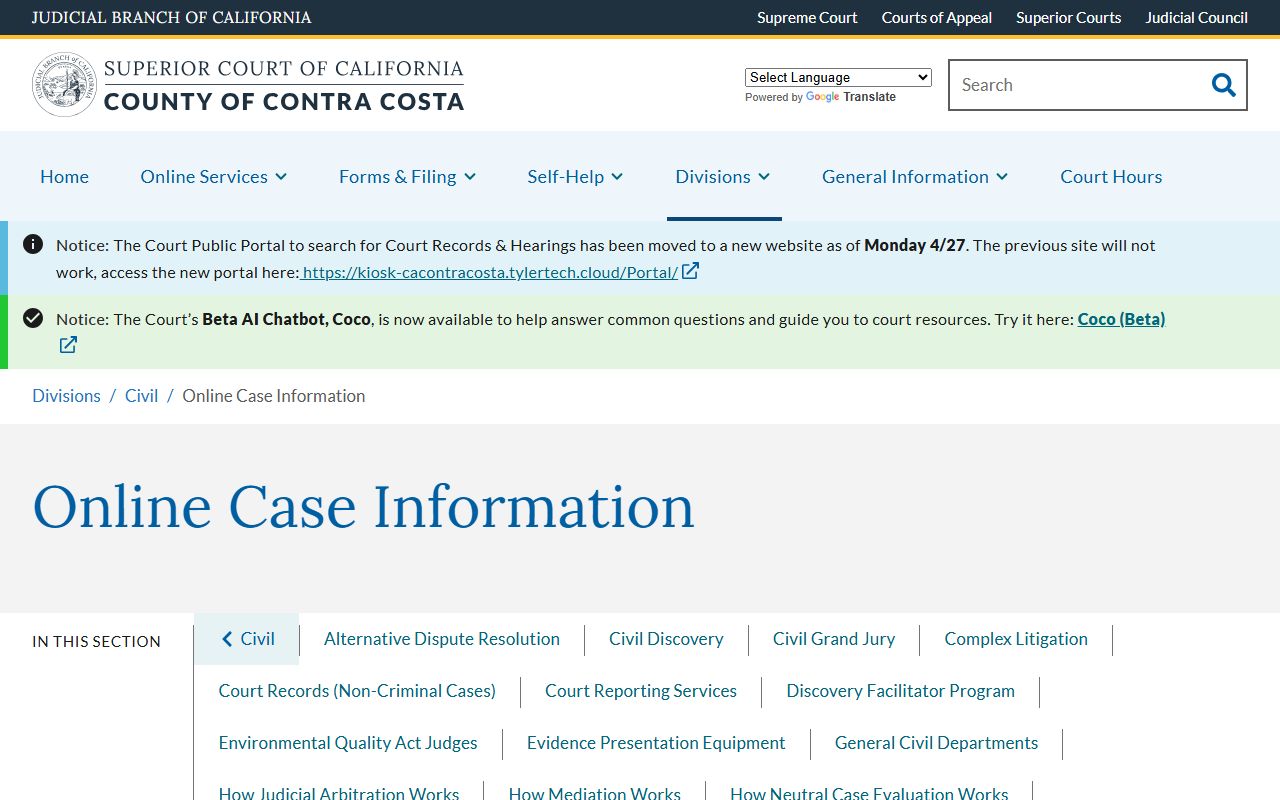
The civil page also lists call-back options for cases that cannot be found online, including Civil Division at (925) 608-1000 option 2.
Contra Costa County Court Records Search Fields
The Court Public Portal exposes a few core search fields on the Smart Search and hearing screens. Some fields are required only when the user picks a matching mode. A name search needs a party or business name; a case-number search needs the full number with any courthouse prefix. Court Public Portal field labels match the table below, drawn from the official portal screens and Tyler public-portal structure.
| Field Label | Type | Required | Notes / Format |
|---|---|---|---|
| Smart Search | Text | Yes for smart search | Search by case number, party name, business name, or attorney; exact labels track the live Tyler screen. |
| Case Number | Text | Optional unless using case-number search | Full Contra Costa case number; may include a courthouse prefix such as MS for Martinez. |
| Party Name | Text | Optional unless using name search | Use last name / first name where the portal prompts; spelling matters. |
| Business Name | Text | Optional | Use the entity name for a civil or probate business party. |
| Attorney Name / Bar Number | Text | Optional | Attorney lookup where the portal exposes it. |
| Hearing Date | Date | Optional | Used for calendars and hearing lookups. |
| Location | Dropdown | Optional | Martinez, Pittsburg, Richmond, Walnut Creek, and other court sites where shown. |
| Case Category / Case Type | Dropdown | Optional | Civil, family law, probate, small claims, criminal, traffic; remote access varies by case type. |
| Search | Button | Yes | Runs the query. |
| Reset / Clear | Button | No | Clears the form. |
Types of Contra Costa County Court Records
The Superior Court files Contra Costa County court records across several case categories. Civil files include complaints, answers, demurrers, motions, declarations, proofs of service, discovery papers, case management statements, tentative rulings, orders, judgments, abstracts, and notices of entry. Unlimited and limited civil documents and minutes can be downloaded free on the portal. Criminal files include complaints, informations, indictments, arraignment minutes, plea forms, bail bond records, motions, warrants when unsealed, sentencing minutes, probation terms, and fines. Public access to some criminal data is limited by law.
Trial-level Contra Costa County court records run through the Superior Court at Wakefield Taylor in Martinez, A.F. Bray in Martinez, the Spinetta Family Law Center, the George D. Carroll Courthouse in Richmond, the Richard E. Arnason Justice Center in Pittsburg, and the Walnut Creek Juvenile and Traffic Center. Family-law files live with Spinetta. Traffic files run through a separate portal. Felony, misdemeanor, and many civil matters are heard in Martinez or at the branch courthouses listed on the Superior Court page.
- Civil unlimited and limited civil case files, downloadable for no fee on the portal where shown.
- Small claims case files for cases filed under the simplified small claims process.
- Family law case files including dissolution, custody, support, and DVRO matters at Spinetta.
- Probate, conservatorship, and guardianship files heard by the Probate Division.
- Criminal case files; remote public access is limited by Rule of Court 2.503.
- Traffic and infraction files accessed through the separate Traffic Public Portal.
- Unlawful detainer/eviction files; limited unlawful detainer cases are not available online.
Adoption and juvenile delinquency or dependency files are not on the Court Public Portal. Welfare and Institutions Code section 827 and Family Code section 9200 lock those files down for the parties named in them.
What Contra Costa County Court Records Show
A standard Contra Costa County court records profile on the Tyler portal shows the same set of public fields each time. The table below comes from the sample case-record field inventory at kiosk-cacontracosta.tylertech.cloud/Portal/ and tracks what each line shows the user.
| Field | What It Shows |
|---|---|
| Case Number | Full case number, often with a location prefix such as MS for Martinez. |
| Case Caption | Party names; some captions are redacted or use initials in sealed/confidential matters. |
| Case Type | Civil, limited civil, small claims, family law, probate, criminal, or traffic. |
| Filing Date | Date the first paper was filed with the clerk. |
| Case Status | Active, disposed, closed, dismissed, judgment entered, or sealed where applicable. |
| Court Location | Courthouse or department, such as Wakefield Taylor or Arnason. |
| Judicial Officer | Judge or commissioner assigned to the case or hearing. |
| Parties | Plaintiff/defendant, petitioner/respondent, or decedent/conservatee for probate matters. |
| Attorneys | Counsel name and party represented where public. |
| Register of Actions | Chronological docket with event dates, event types, and short text descriptions. |
| Hearings | Date, time, department, location, hearing type, and any remote appearance info. |
| Documents | Downloadable unlimited/limited civil documents and minutes; criminal, family, and juvenile docs may be restricted. |
SSN, driver license, full date of birth, financial account numbers, minor names, protected addresses, sealed material, and confidential family or juvenile data are not public on Contra Costa County court records. Those fields are redacted or withheld.
Public Access Framework for Contra Costa County Court Records
California splits public access into three layers. Court case records sit under California Rules of Court and statute. Judicial administrative records sit under Rule 10.500 and use the Superior Court Form PI-01. State and local agency records, such as Sheriff or county records, sit under the California Public Records Act recodified at Government Code section 7920.000 and following. The withholding standard sits at Government Code section 7922.000. Court files run by Court Records, not by CPRA.
California Rule of Court 2.400 covers court files and clerk inspection. Rule 2.503 bars remote public access to family, juvenile, mental health, criminal, and listed sensitive electronic records, even when courthouse inspection of non-confidential parts is allowed. Rule 2.507 sets out what calendar, index, and register data can run electronically. The clerk handles routine requests, takes valid ID, and applies the court's fee schedule. The public records page covers the wider CPRA process for non-court files.
Note: Records on the Court Public Portal are not the official court record; certified copies must come from Court Records under the court fee schedule.
Records That Are Sealed or Confidential in Contra Costa County
Some Contra Costa County court records are confidential by statute or sealed by court order. Juvenile delinquency and dependency files are confidential under Welfare and Institutions Code section 827. Adoption files are confidential under Family Code section 9200. Limited unlawful detainer cases in Contra Costa are not available online under Code of Civil Procedure section 1161.2. Sealed records sit under Rule of Court 2.550, which keeps records open unless the court makes express findings to seal.
To view a sealed record, a party or qualified person files a motion in the case showing the legal right to inspect or to unseal. For arrest record relief, Penal Code section 851.91 allows a petition to seal an arrest not resulting in conviction. For dismissal after probation, Penal Code section 1203.4 can change the disposition to dismissed. Court Records can confirm whether a file is open to the public before a trip to Martinez.
In-Person Contra Costa County Court Records Requests
For records not online, head to Court Records at Wakefield Taylor Courthouse, Room 103 in Martinez. The court posts hours of 8:00 a.m. to 4:00 p.m. Monday through Friday, with phones answered until 3:00 p.m. Valid photo ID is required to view any file. Copies are 50 cents per page in person or by mail. Certifications are $40 plus 50 cents per page. Certified divorce judgments are $15 and include the copies. Credit and debit cards at the clerk add a 2.99% fee with a $1 minimum. The court's order a file and records page explains how to file a written request by mail with proper fees.
The lead-in image links to the official order-records page, where the court describes the mail and in-person request workflow.
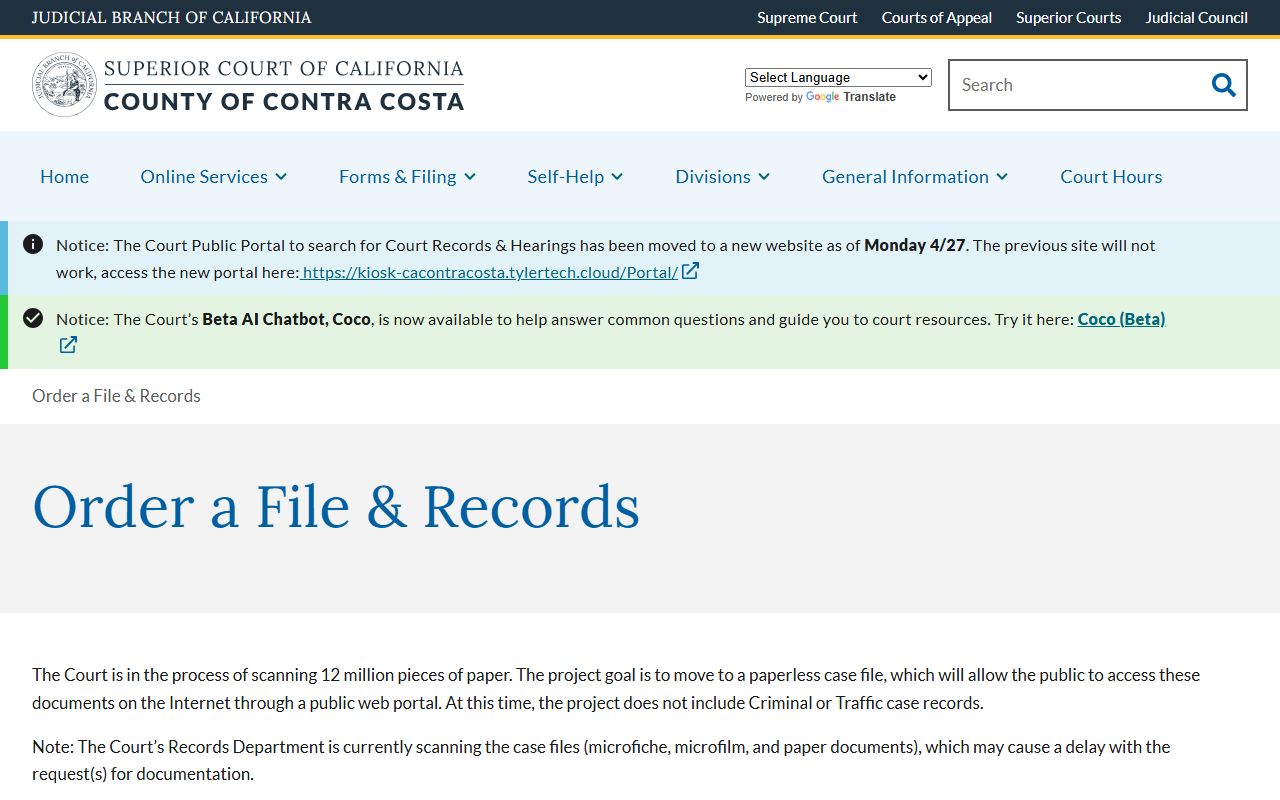
The order page covers mailing copy fees with the request and giving a self-addressed stamped envelope to speed return. Court Records is also the place to start when the portal does not show a file because of scanning delays from older microfilm or microfiche.
Court Records Unit
Wakefield Taylor Courthouse
725 Court Street, Room 103
Martinez, CA 94553
(925) 608-1000
Monday-Friday 8:00 a.m.-4:00 p.m.
The civil page on obtaining court records and certified copies covers the request types and which records are kept by Court Records versus the criminal clerk.
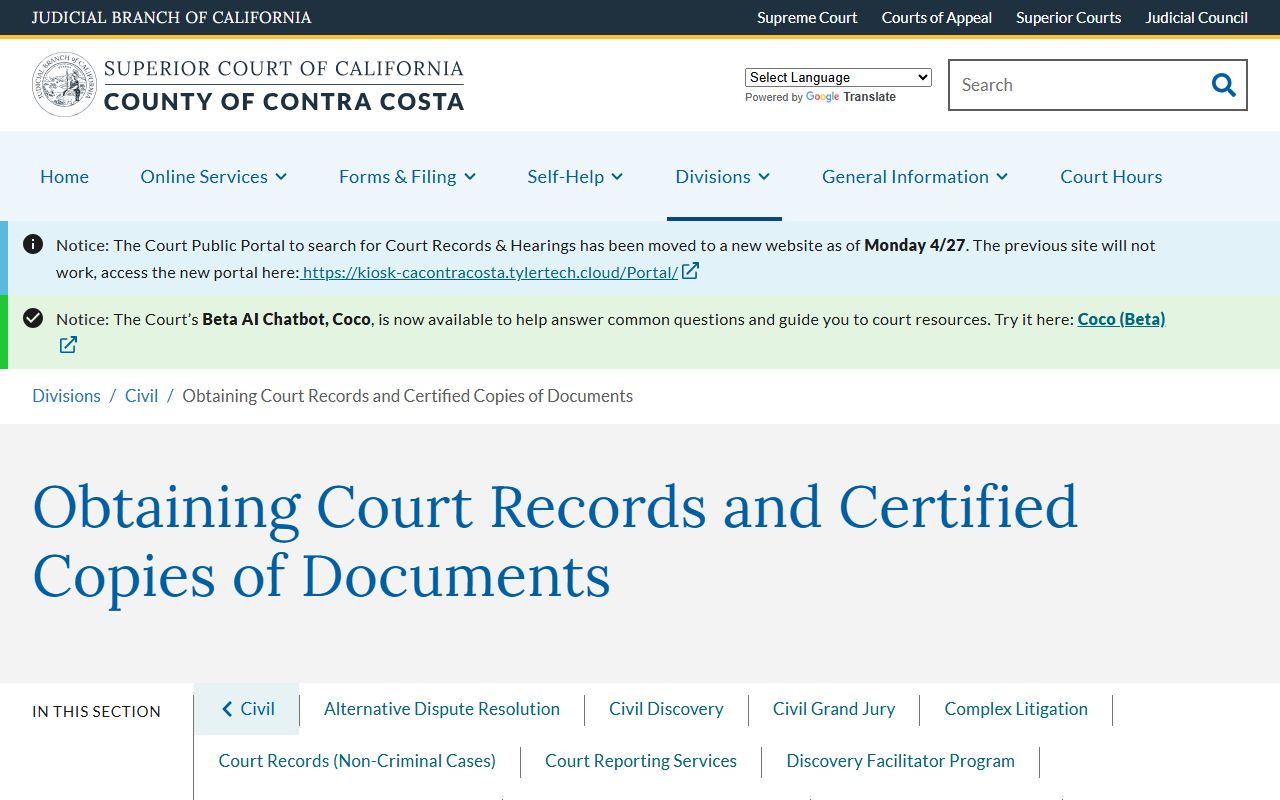
That page is the official starting point for any name search across civil, family law, probate, limited civil, and adoption record types.