
What Is a Contra Costa County Court Docket
A docket is the case timeline. In Contra Costa County court dockets, the timeline is called the register of actions. Each line is an event: a filing, a motion, a minute order, a hearing, or a notice. The docket is not the full case file. Pleadings, exhibits, and orders sit in the full file as their own documents. The docket is the index that tells the reader what happened, when, and which party drove the event. Civil, small claims, probate, and many criminal index entries can be read on the Court Public Portal. Older paper, microfilm, and microfiche files are still being scanned, so some older Contra Costa County court dockets may not yet load online.
People often mix up dockets and full files. The docket is short. A typical line says the event date, the event type, and a short description. The full file holds the actual paperwork. For routine status checks, a docket is plenty. For a closer look at what the court ordered, the user needs the underlying document. Where the portal shows a paperclip or a document link, that file can be pulled at no charge in unlimited and limited civil matters.
How to Find Contra Costa County Court Dockets Online
The Court Public Portal at kiosk-cacontracosta.tylertech.cloud/Portal/ is the main place to read Contra Costa County court dockets. Smart Search runs by case number, party name, business name, or attorney name. The hearings and calendar tools surface upcoming court dates. The Superior Court warns that portal content is not the official court record. Certified docket sheets must come from Court Records at Wakefield Taylor in Martinez.
- Open the Court Public Portal and accept the posted portal terms.
- Pick the case type or hearing calendar tool that fits the search.
- Enter a case number, a party name, or a hearing date. Use the courthouse prefix where the case sits in Martinez, Pittsburg, Richmond, or Walnut Creek.
- Open the matching result and scroll to the register of actions to read the docket lines.
- Open a document link where shown to pull a free unlimited or limited civil document.
The lead-in image links to California Rule of Court 2.503, which sets the framework for electronic trial court access in Contra Costa County court dockets and statewide.
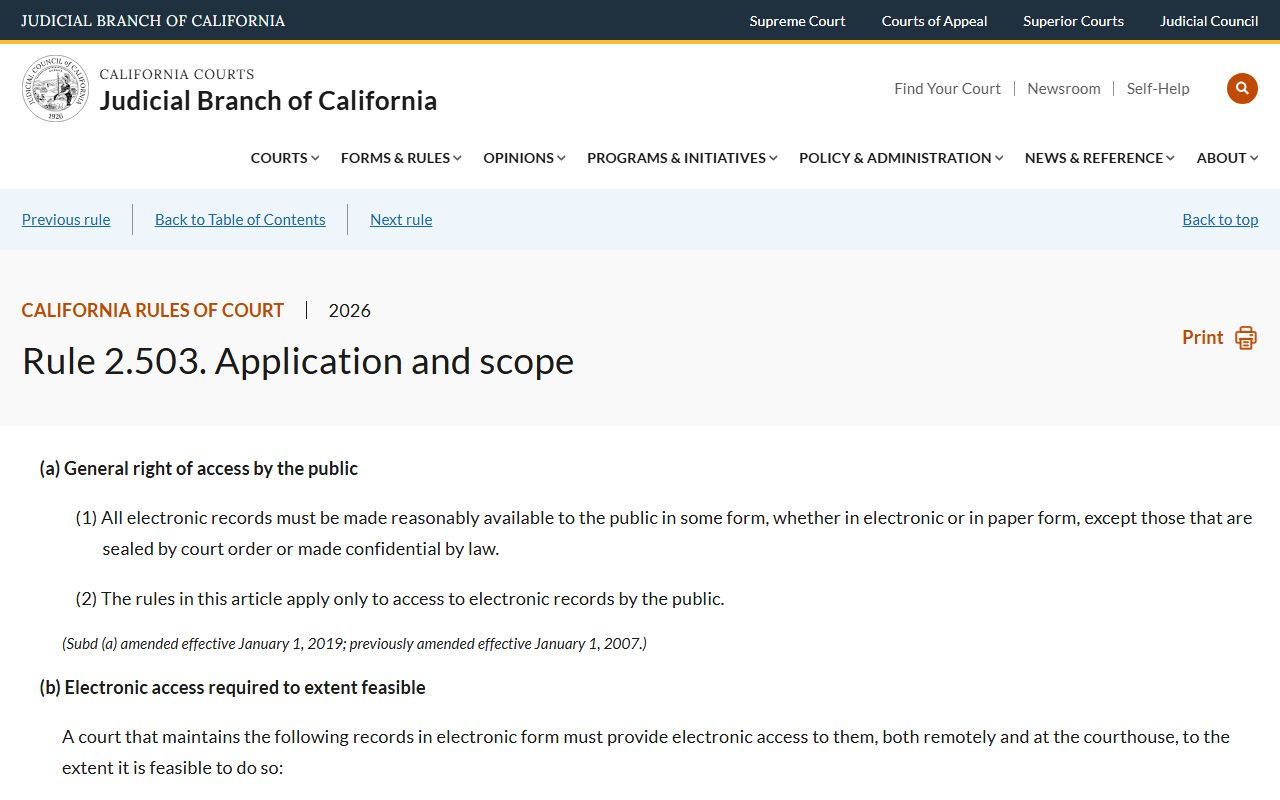
Rule 2.503 bars remote public access to family, juvenile, mental health, criminal, and listed sensitive electronic records. That is why some Contra Costa County court dockets in those case types do not appear on the public portal even when courthouse inspection is allowed.
Contra Costa County Court Dockets Portal Fields
Smart Search and the calendar tools share a common set of input fields on the Court Public Portal. The table below lists the labels seen on the official portal and follows the Tyler public-portal structure.
| Field Label | Type | Required | Notes / Format |
|---|---|---|---|
| Smart Search | Text | Yes for smart search | Search by case number, party name, business name, or attorney. |
| Case Number | Text | Optional unless using case-number search | Full Contra Costa case number; may include a courthouse prefix such as MS for Martinez. |
| Party Name | Text | Optional unless using name search | Use last name / first name where the portal prompts. |
| Hearing Date | Date | Optional | Used to pull the daily or weekly calendar. |
| Location | Dropdown | Optional | Martinez, Pittsburg, Richmond, Walnut Creek, and other court sites. |
| Case Type | Dropdown | Optional | Civil, family law, probate, small claims, criminal, traffic. |
| Search | Button | Yes | Runs the query. |
Sample Contra Costa County Docket Entry
Each docket line on the Court Public Portal follows a consistent format. The table below tracks what each field shows the reader.
| Field | What It Shows |
|---|---|
| Entry Date | Date the event was filed, ordered, or scheduled. |
| Event Type | Event label such as Motion, Order, Minute Order, Notice, or Hearing. |
| Event Description | Short text that explains the event, the moving party, and the relief sought. |
| Party Filing | The party that filed the paper or asked for the order. |
| Hearing Department | Courtroom or department for the scheduled hearing. |
| Hearing Time | Time of day the hearing is set, with remote appearance info where posted. |
| Document Link | Link to the underlying paper where the document is public and posted. |
| Status | Event status, such as set, held, vacated, taken off calendar, or continued. |
Contra Costa County Probate Calendar Notes
Probate is the case type with the most predictable calendar workflow in Contra Costa. The court posts probate calendar notes on the portal six to eight days before each hearing. Those notes flag missing items, defective notice, missing bonds, fee issues, and other items the court wants cured before the hearing. Counsel and self-represented parties use the notes to file supplemental papers before the matter is called. The official probate calendar notes page explains how the timing works and how to find a specific note.
The lead-in image below links to the official probate calendar notes page.
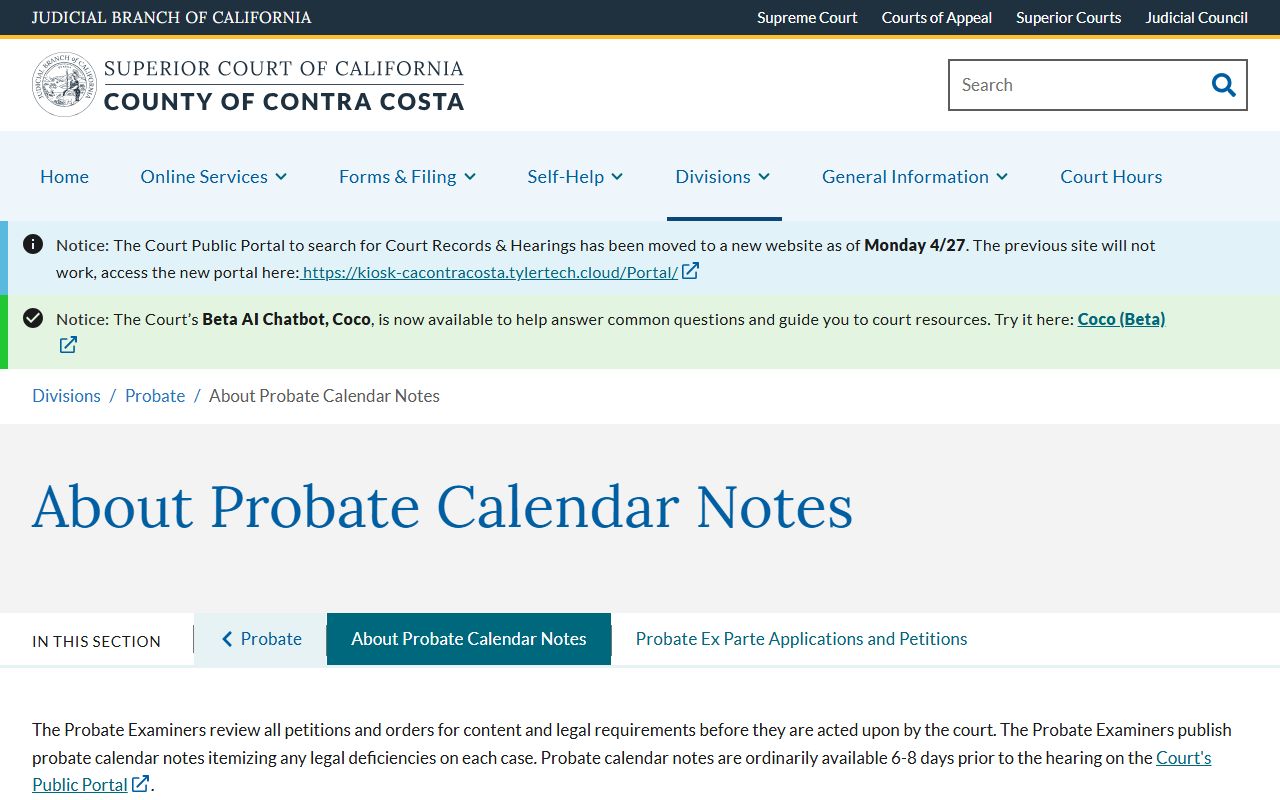
The table below maps the typical probate calendar workflow so readers know when to check the portal and what each step means for the docket.
| Timing | Step | What Happens |
|---|---|---|
| Filing | Petition filed at Wakefield Taylor | Probate petition opens the case and is set for a hearing date. |
| 6-8 days before hearing | Calendar notes posted | Probate Division publishes notes on the portal flagging defects or missing items. |
| Before hearing | Supplemental filings | Counsel or party files corrective papers based on the notes. |
| Hearing day | Calendar call | Court takes the matter and either signs the order, continues, or denies. |
| After hearing | Docket update | Register of actions reflects the court's order, with documents posted where public. |
The Probate Division can be reached at (925) 608-2613 for general probate questions. The Probate Facilitator helps with limited conservatorship of the person and guardianship of the person only at probfac@contracosta.courts.ca.gov or (925) 608-2066.
Courts That Publish Dockets in Contra Costa County
The Superior Court runs trial-level Contra Costa County court dockets at seven locations. Each location feeds the same Court Public Portal, but the courtrooms and case types differ. Family law sits at Spinetta. Traffic sits at Walnut Creek, Richmond, and Pittsburg. Criminal and civil run at Wakefield Taylor and the branch courthouses. The Superior Court page tracks the full list of courthouses and the case types each one handles.
- Wakefield Taylor Courthouse, 725 Court Street, Martinez, hears criminal, civil, and probate matters and houses court administration.
- A.F. Bray Courthouse, 1020 Ward Street, Martinez, runs criminal and jury functions tied to the Martinez campus.
- Spinetta Family Law Center, 751 Pine Street, Martinez, runs family law, DVRO, ex parte, and mediation calendars.
- George D. Carroll Courthouse, 100 37th Street, Richmond, runs civil, small claims, criminal, traffic, and jury calendars for West County.
- Richard E. Arnason Justice Center, 1000 Center Drive, Pittsburg, runs East County civil, small claims, unlawful detainer, criminal, traffic, family, and some juvenile calendars.
- Walnut Creek Juvenile and Traffic Center, 640 Ygnacio Valley Road, runs traffic and juvenile/traffic matters.
Federal cases from Contra Costa are not on the Superior Court portal. Those dockets sit on PACER for the U.S. District Court for the Northern District of California, with appeals to the Ninth Circuit.
Docket vs. Full Case Record
Readers often pull a docket when they actually need the full file. The docket is the index. The full file is the record. The table sets out the split.
| Docket | Full Case Record | |
|---|---|---|
| Format | List of dated entries on the register of actions. | Full set of pleadings, motions, exhibits, and orders. |
| Access | Often free on the Court Public Portal. | May need a written request, fee, or trip to Court Records, Room 103. |
| Use | Track case status, hearings, and event flow. | Read the actual papers, exhibits, and signed orders. |
| Certification | Portal entries are not the official court record. | Court Records issues certified copies for $40 plus 50 cents per page. |
For divorce judgments, the certified copy is $15 and includes the document copies. Court Records also handles mail copy requests with a self-addressed stamped envelope and the proper fees.
Electronic Access Rules for Contra Costa County Court Dockets
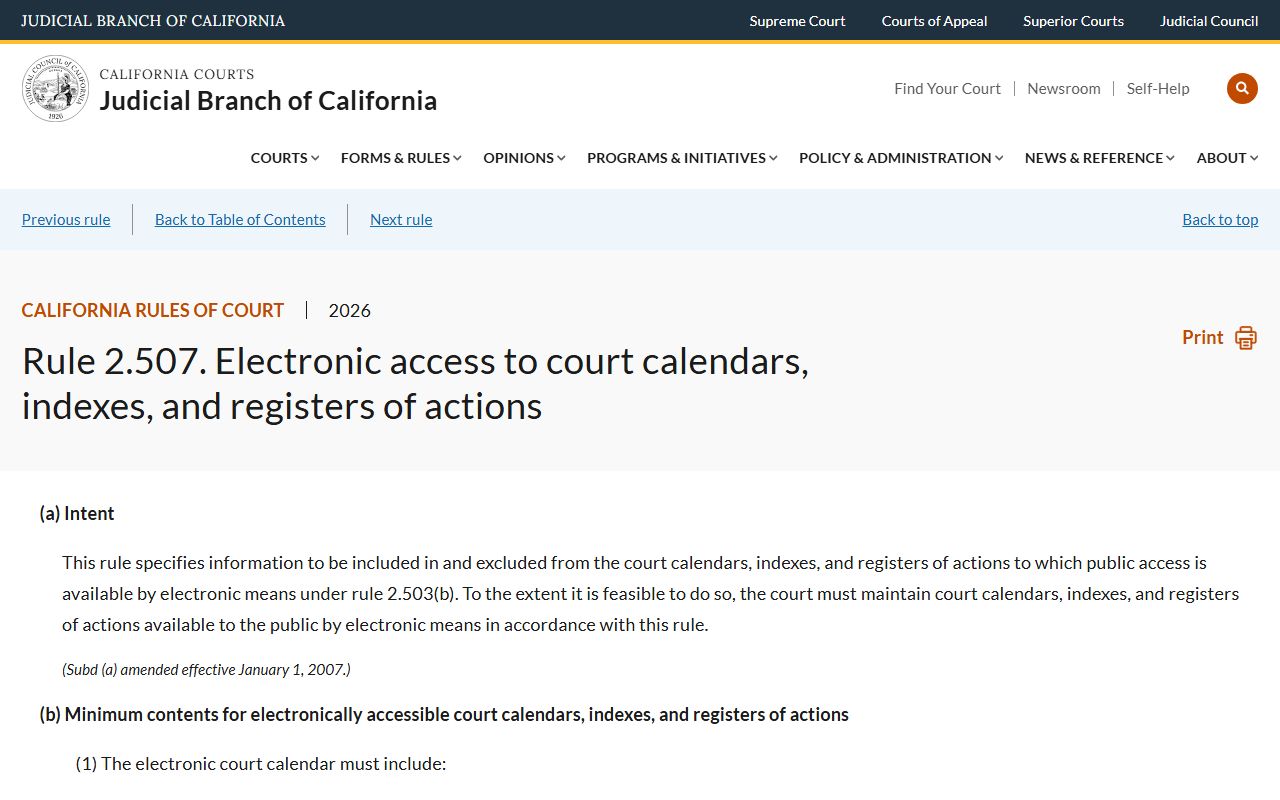
California Rules of Court set the electronic access rules. Rule 2.507 defines what calendar, index, and register data can be posted electronically and what must be excluded. Sensitive identifiers stay redacted. The lead-in image links to Rule 2.507.
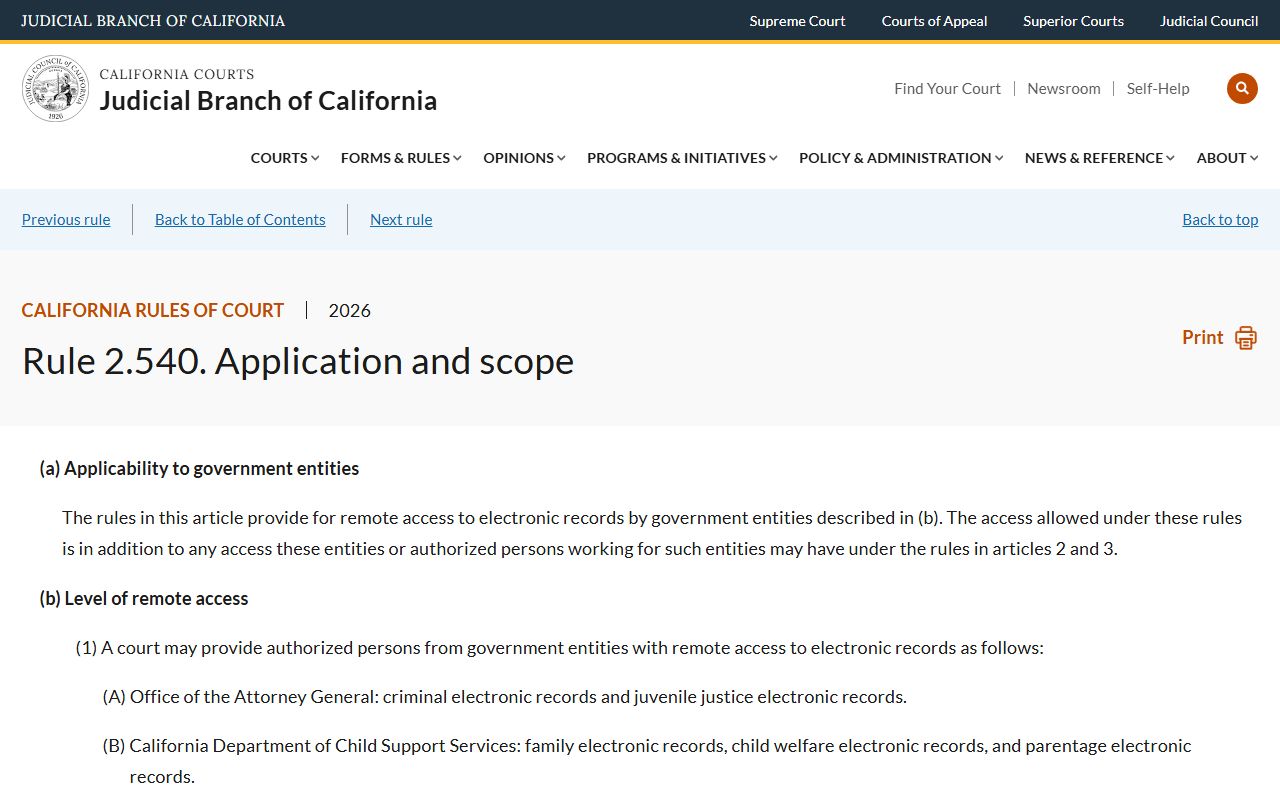
Government entities may get expanded remote access under Rule 2.540 when they would otherwise be entitled to that data at the courthouse. The lead-in image links to Rule 2.540.
The public side is narrower. Rule 2.503 keeps remote public access closed for family, juvenile, mental health, criminal, and other sensitive case types. Courthouse inspection of non-confidential parts may still be allowed under Rule 2.400.
How to Read a Contra Costa County Docket
Docket lines lean on short codes and short titles. Common labels include MO for motion, ORD for order, MIN for minute order, NTC for notice, HRG for hearing, JT for jury trial, BT for bench trial, MSJ for motion for summary judgment, OSC for order to show cause, and CMC for case management conference. Status flags include set, held, off, vacated, continued, granted, denied, taken under submission, and judgment entered. Local Contra Costa abbreviations may also appear, such as MS as a Martinez case-number prefix.
Dispositions sit at the end of the register of actions. Civil dispositions include judgment after trial, judgment by default, judgment on stipulation, dismissal with prejudice, and dismissal without prejudice. Criminal dispositions include plea entered, found guilty, found not guilty, dismissed in furtherance of justice under Penal Code section 1385, and probation granted. Probate dispositions include letters issued, order on petition, account approved, and case closed.